
31 - 40 of 82
hands free neck fan
Selling leads
|
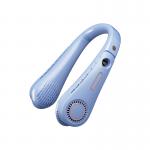
Product Description: When the product is in standby or charging state, clicking the FAN BUTTON will turn the fan to speed 1 and the white LED lights ...
2024-12-09 23:14:13
|

|
Product Description: The Fan Button allows users to control the fan’s speed. When the product is in standby or charging state, simply click the button ...
2024-12-09 23:14:13
|
|
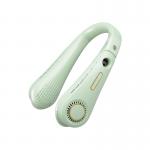
Product Description: FAN BUTTON: When the product is in standby or charging state, click the button to turn the fan to speed 1, and the white LED ...
2024-12-09 23:14:13
|
|
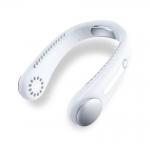
Product Description: FAN BUTTON: When the product is in standby or charging state, click the button to turn the fan to speed 1, and the white LED ...
2024-12-09 23:14:13
|

|
Product Description: FAN BUTTON: When the product is in standby or charging state, click the button to turn the fan to speed 1, and the white LED ...
2024-12-09 23:14:13
|
|
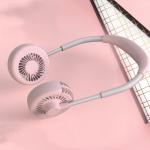
Product Description: When the product is in standby or charging state, press the Fan Button to turn the fan to speed 1, and the white LED will light ...
2024-12-09 23:14:13
|
|
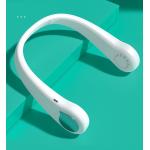
Product Description: FAN BUTTON: When the product is in standby or charging state, click the button to turn the fan to speed 1, and the white LED ...
2024-12-09 23:14:13
|
|
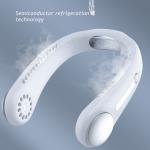
Product Description: FAN BUTTON: When the product is in standby or charging state, click the button to turn the fan to speed 1, and the white LED ...
2024-12-09 23:14:13
|

|
Product Description: Fan Button: When the product is in standby or charging state, click the button to turn the fan to speed 1, and the white LED ...
2024-12-09 23:14:13
|

|
Product Description: FAN BUTTON: When the product is in standby or charging state, click the button to turn the fan to speed 1, and the white LED ...
2024-12-09 23:14:13
|